Expenses are submitted with the required details and supporting records, then reviewed and moved through the organisation's approval process. Once approved, the expense remains recorded in the system for reporting, tracking and financial review.

Get Clearer Control Over Business Expenses
Track expenses, review approvals and monitor spending from one connected system.
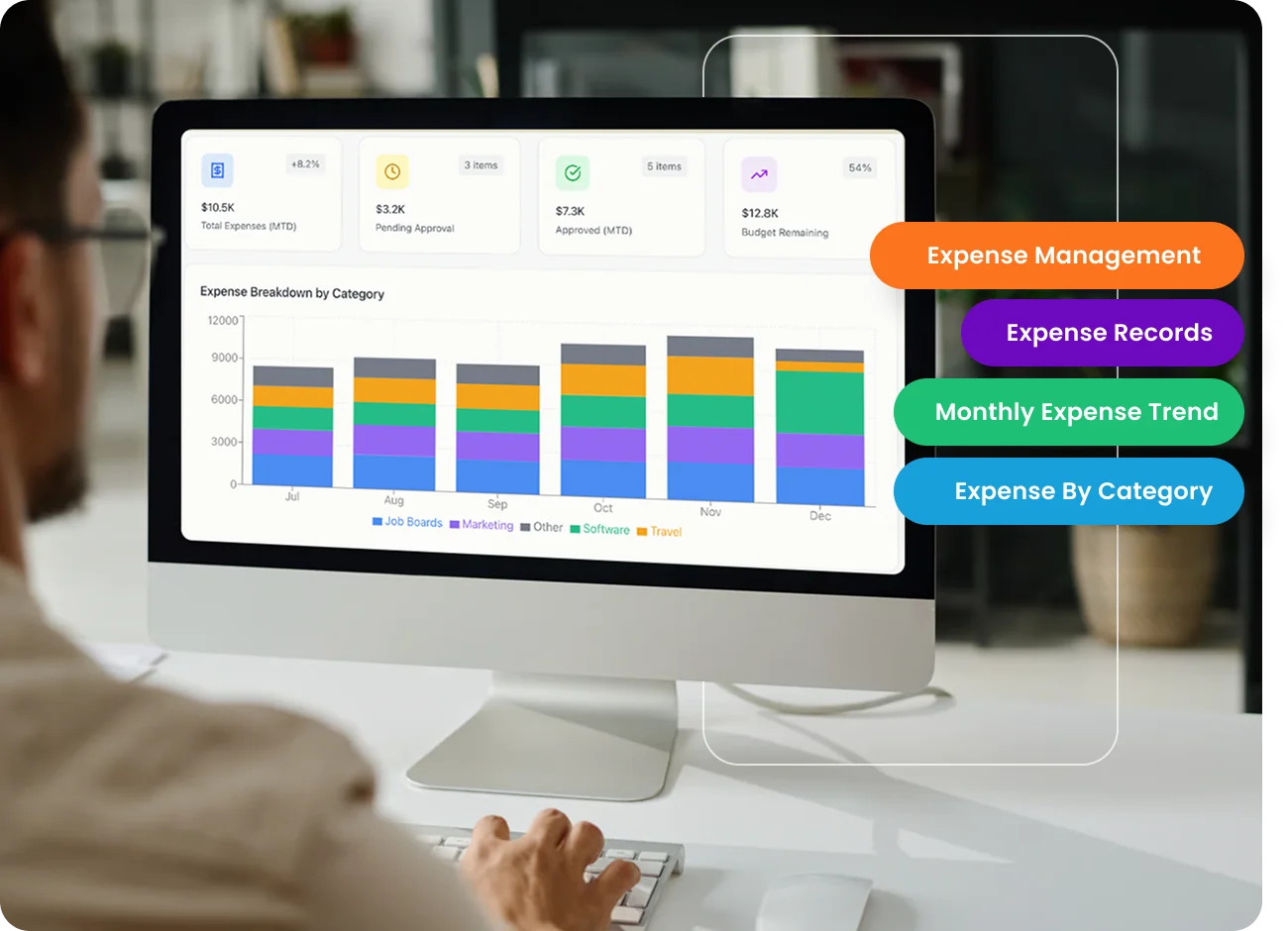
recruitChamp Expense Management helps teams reduce manual tracking, keep expense records organised and maintain better visibility across employee and contractor spending.
With expense information available in one place, finance and operations teams can review activity more easily and keep expense workflows connected with the wider recruitment and billing process.

Four Essentials of Better Expense Management
Keep expense tracking simple, visible and connected across your business operations.
-
Clear Expense Visibility
Track expense activity from one place and give finance and operations teams a clearer view of where money is being spent. -
Consistent Approval Workflows
Create a more structured process for reviewing and approving expenses so teams rely less on scattered emails and manual follow-ups. -
Easier Expense Submission
Give employees and contractors a simpler way to submit expense details and keep records organised for review. -
Better Financial Oversight
Use expense records and reporting to understand spending patterns, monitor activity and support more informed financial decisions.
Expense Management Capabilities Built for Day-to-Day Operations
Manage expense submissions, approvals and records with a more structured workflow that gives finance and operations teams better visibility.
Expense Tracking
Keep employee and contractor expenses organised in one place and monitor activity without relying on separate spreadsheets or manual trackers.
Approval Workflows
Route submitted expenses through a clear review and approval process so teams can reduce delays and maintain consistent records.
Expense Records and Reporting
Maintain expense history and review spending activity through reports that help teams understand where costs are being incurred.
Policy and Category Management
Organise expenses by category and apply internal approval rules so submitted expenses follow the process your organisation has defined.
How the Expense Management System Works
Manage expenses through a clear workflow from submission to approval and reporting.
-
Step 1 :
Submit Expenses
Employees or contractors submit expense details and supporting records through the expense management workflow.
-
Step 2 :
Review Expense Details
Submitted expenses can be reviewed, categorised and checked against the information required by your organisation.
-
Step 3 :
Approve Expenses
Managers or authorised users review submitted expenses and move them through the approval process.
-
Step 4 :
Track and Report
Approved expenses remain recorded within the system so finance and operations teams can monitor activity, maintain expense history and use the data for reporting.
Features That Make Expense Management Easier
Support expense submission, review and reporting with tools that help reduce manual tracking and keep financial records more organised.

Receipt Capture
Capture receipt and expense details digitally to reduce manual entry and keep supporting documents connected with expense records.
Configurable Expense Policies
Set expense categories, approval rules and internal guidelines so submitted expenses follow a more consistent review process.
Expense Reporting
Review expense activity, categories and trends through reports that give finance and operations teams better visibility into spending.
Expense Tracking
Keep submitted, approved and reviewed expenses visible within one system instead of relying on separate spreadsheets or manual trackers.
Connected Workflows
Keep expense information connected with related finance and operational processes so teams spend less time moving data between separate tools.
Ready to Simplify Expense Management?
Track expenses, manage approvals and keep financial records organised in one connected workflow.

Frequently Asked Questions
-
What Is Expense Management Software?
Expense management software helps businesses track, review and manage employee or contractor expenses through a more structured process. It can help teams organise expense records, manage approvals, monitor spending activity and reduce dependence on spreadsheets and manual tracking.
-
How Does Expense Tracking Work?
-
Can recruitChamp Manage Employee and Contractor Expenses?
recruitChamp can support expense tracking as part of the wider recruitment and staffing workflow, helping teams keep expense information connected with operational and financial processes. -
Can Expense Management Connect With Billing?
Yes. Expense information can be managed alongside wider billing and staffing operations, helping finance and operations teams work with more connected records. -
Can Expense Approval Workflows Be Configured?
Expense approval processes can be structured around the organisation's internal review requirements, depending on the available configuration. -
What Reporting Is Available for Expenses?
Expense records can support reporting around spending activity, categories and other relevant financial information, depending on how the system is configured. -
Can recruitChamp Support Expense Management for Contract Staffing?
Yes. Expense tracking can be useful for contract staffing workflows where contractor or employee expenses need to remain connected with wider staffing operations.
