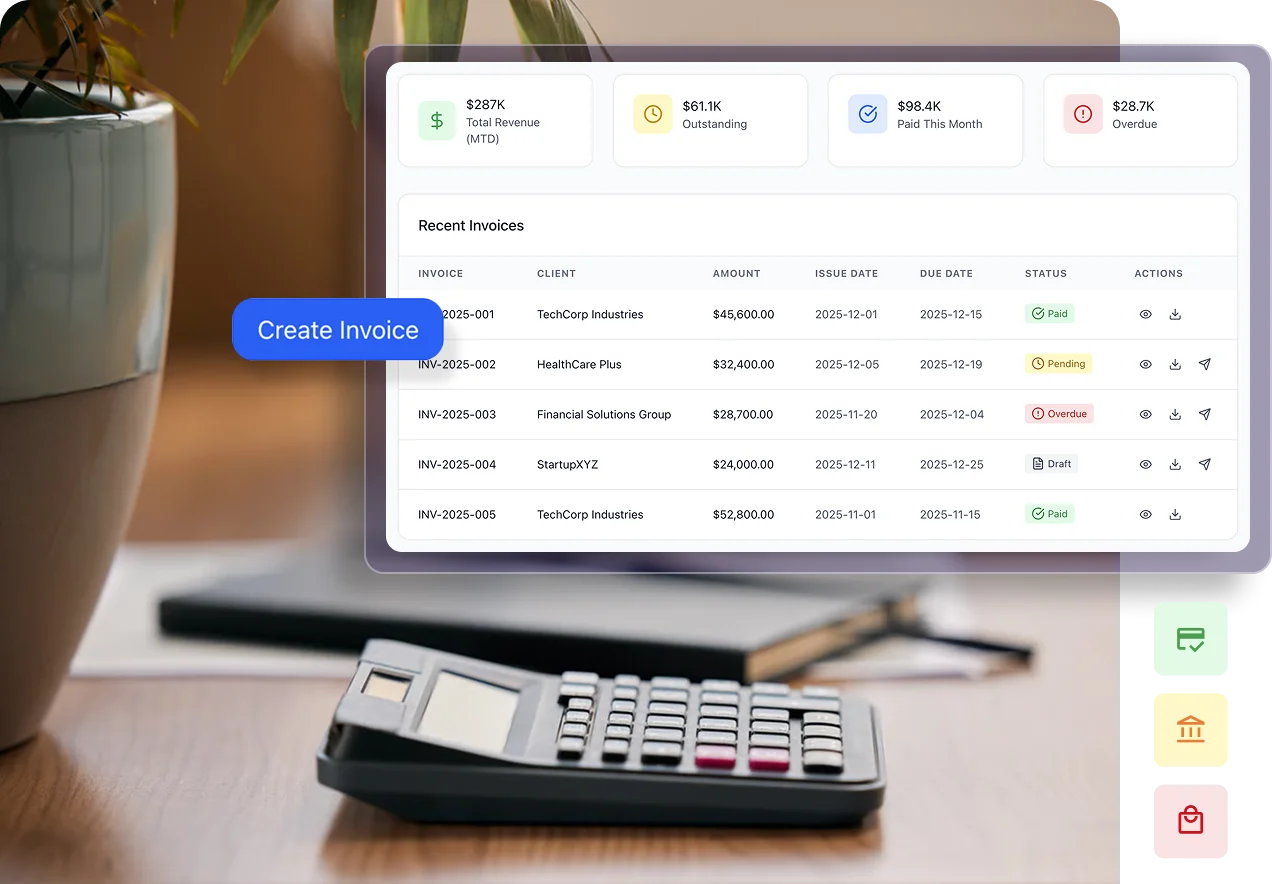
You can use customisable invoice templates to present your client invoices in a consistent, professional format. Confirm the available branding options, such as logos, colours and layouts, which reflect your brand identity.

Why Choose Our Recruitment Invoicing Software?
-
Simpler Invoice Creation
Prepare client invoices with the details you need in one place.
-
Less Manual Calculation
Use automated calculations to reduce repetitive work by 80% when preparing invoices.
-
Consistent Invoice Templates
Present clients with clear, professional invoices in a consistent format.
-
Easier Invoice Review
Review invoice details before sending to help catch missing or incorrect information.
Benefits of Cloud-Based Invoicing Software
Manage client invoices online, reduce repetitive preparation work and keep payment information accessible to your team. Stay organised from invoice creation to payment follow-up.
Timely Payment Follow-Ups
Use automated reminders to follow up on outstanding invoices and keep clients informed about upcoming payments.
Less Administrative Work
Reduce repetitive invoice preparation with automated calculations and reusable templates.
Improved Invoice Accuracy
Keep invoice details consistent and reduce calculation errors before sending invoices to clients.
Clear Invoice Visibility
Review invoice status and outstanding amounts to see which client invoices need attention.
Invoicing Software That Fits Your Workflow
Connected Recruitment Data
Keep client and recruitment information connected to your invoicing workflow within recruitChamp.
Mobile Access
Access invoice information and manage invoicing tasks through a mobile-friendly interface.
Data Security
Keep sensitive client and invoice information protected with the platform’s security controls.
Dedicated Support
Get help with setup, product questions and day-to-day use of your invoicing software.
Ready to Simplify Your Client Invoicing?
See how you can create professional invoices, reduce repetitive work and keep invoice details organised all in one place.

Frequently Asked Questions
-
How do I create a client invoice?
Enter the client details, add the services and applicable charges, and review the invoice before sending it. -
Can I customise invoices to match my brand?
-
Can I review invoice details before sending?
Yes. Review client information, service descriptions, amounts and payment terms before sending the invoice. -
Can I send invoices directly to clients?
recruitChamp supports creating and sending client invoices. During your demo, see how invoices are sent and which delivery options are available. -
Is there a limit to the number of invoices I can send?
No, recruitBilling offers unlimited invoicing on all plans. Send as many invoices as you need without worrying about additional charges. -
How does invoicing connect with RecruitBilling?
Invoicing is part of RecruitBilling’s broader recruitment billing workflow. It supports preparing and sending client invoices, while RecruitBilling brings together billing and related operational functions.
